
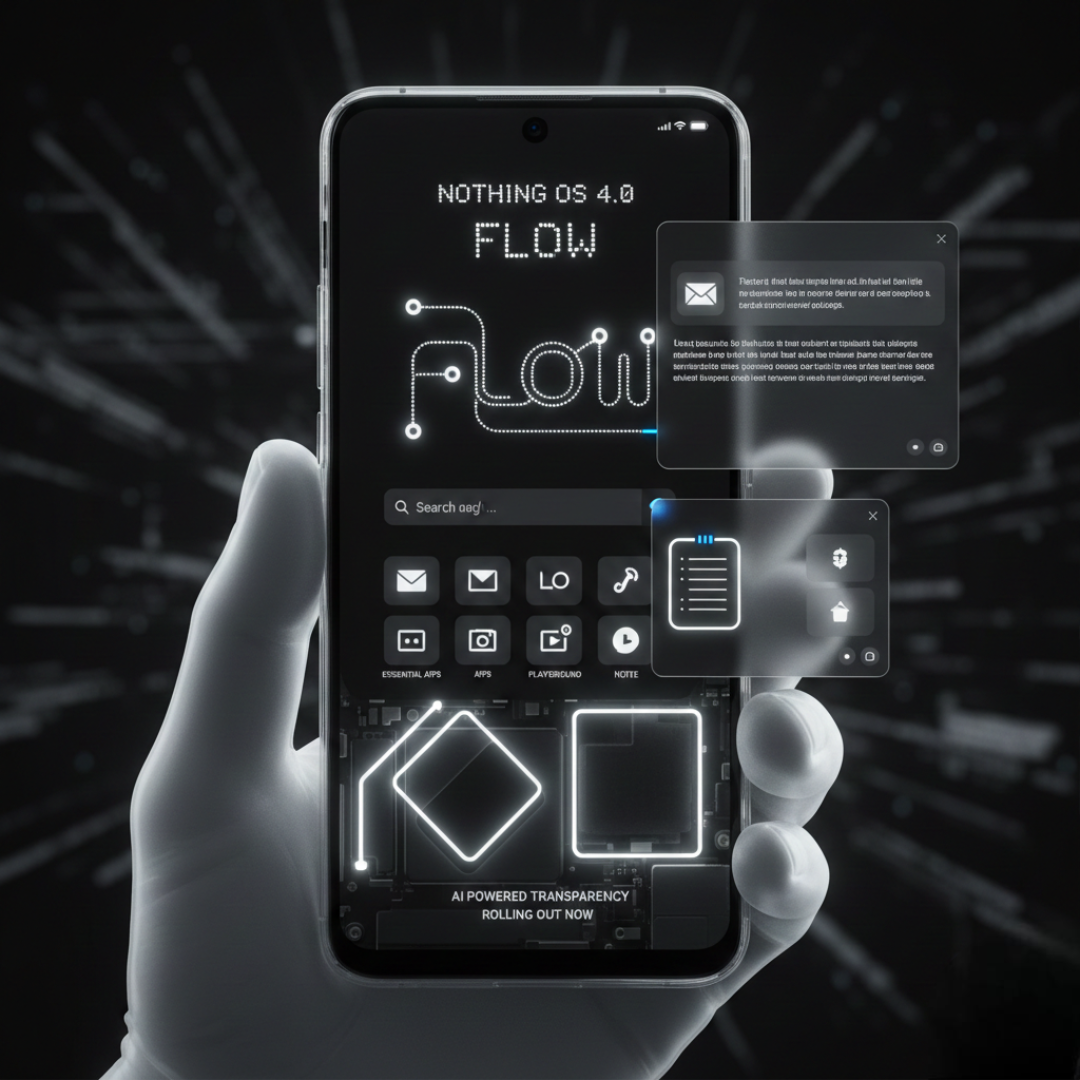
The stable version of Nothing OS 4.0 is finally rolling out, bringing a wave of intelligent features, design refinements, and performance upgrades. Is this the most significant leap for Nothing’s unique vision? We dive into the new AI tools, multitasking upgrades, and the all-new “Flow” experience.
Nothing has officially begun the global rollout of Nothing OS 4.0, an update built on the foundation of Android 16. Dubbed “Flow” by the company, this release isn’t just a visual refresh—it’s a comprehensive upgrade focused on AI-driven efficiency, deeper personalization, and the signature minimalist aesthetic. If you own a supported Nothing Phone, here’s a look at the key features that define your new operating system experience.
🧠 Smarter, More Transparent: Nothing’s AI Focus
Nothing OS 4.0 takes a major step into the future with a focus on integrating on-device AI in a transparent, user-controlled way.
- Essential Apps & Playground: This is the most exciting addition. The new Widget Builder allows users to create their own small, custom utility apps—or “Essential Apps”—by simply describing the desired function with an AI prompt. These user-built tools are housed in the new Widget Drawer and can be shared through the Nothing Playground portal, fostering a community-driven ecosystem of useful widgets.
- AI Usage Dashboard: For privacy and transparency, a new dashboard in Essential Space shows you exactly how and how much the phone’s on-device AI models are being used. It puts you in control, making AI’s behaviour easy to monitor.
✨ Enhanced Multitasking & User Experience
The focus on “Flow” translates into smoother interactions and better multitasking capabilities that truly enhance productivity.
- Pop-Up View Upgrade: Multitasking just got a serious boost. The enhanced Pop-Up View now supports two floating app icons simultaneously, making it significantly easier to jump between tasks like drafting an email while referencing a document or taking notes during a video.
- Extra Dark Mode: For late-night usage and power efficiency on OLED screens, Nothing has introduced a refined Extra Dark Mode with deeper, true blacks to reduce eye strain.
- Refined Quick Settings: The notification shade gets cleaner with support for a condensed 2×2 Quick Settings tile layout, giving you faster access to essential controls.
- Smoother Animations: From opening apps to swiping gestures, system animations have been tuned to feel quicker, more fluid, and more responsive, adding to the overall sense of “Flow.”
📷 A Leap for Photography
Nothing OS 4.0 also brings creative tools directly to the camera app, elevating the phone’s imaging capabilities.
- “Stretch” Camera Preset: Developed in collaboration with renowned photographer Jordan Hemingway, this new camera preset applies a unique, cinematic visual style with deep shadows and expanded highlights—allowing you to capture stylised photos straight out of the camera. (Available on Nothing Phone (2) series and later).
💡 Glyph Interface Updates
The iconic Glyph Interface receives functional upgrades for real-time utility.
- Live Updates via Glyph Interface: The Glyph lights can now deliver real-time progress for things like ride-sharing, delivery status, or timers. It uses the Android 16 Live Updates system to provide information at a glance without having to unlock your phone.
📲 Nothing OS 4.0: Rollout and Eligibility
The stable rollout began on November 21, 2025, and is expected to reach supported devices in phases globally.
- First Wave Devices: Nothing Phone (3), Phone (3a) series, Phone (2), and Phone (2a) series are among the first to receive the update.
- How to Update: Check your phone manually via Settings > System > System Update.
Nothing OS 4.0 is more than just an update; it’s a statement on how the company plans to integrate advanced AI features while staying true to its sleek, transparent design philosophy. The “Flow” experience is here to make your daily smartphone interactions simpler, smarter, and uniquely Nothing.
What are your favourite new features in Nothing OS 4.0?
Are you excited about the AI-generated Essential Apps or the Pop-Up View? Let us know in the comments below! Do you want to see a step-by-step guide on how to create your own Essential App using the new Widget Builder?
Leave a Reply